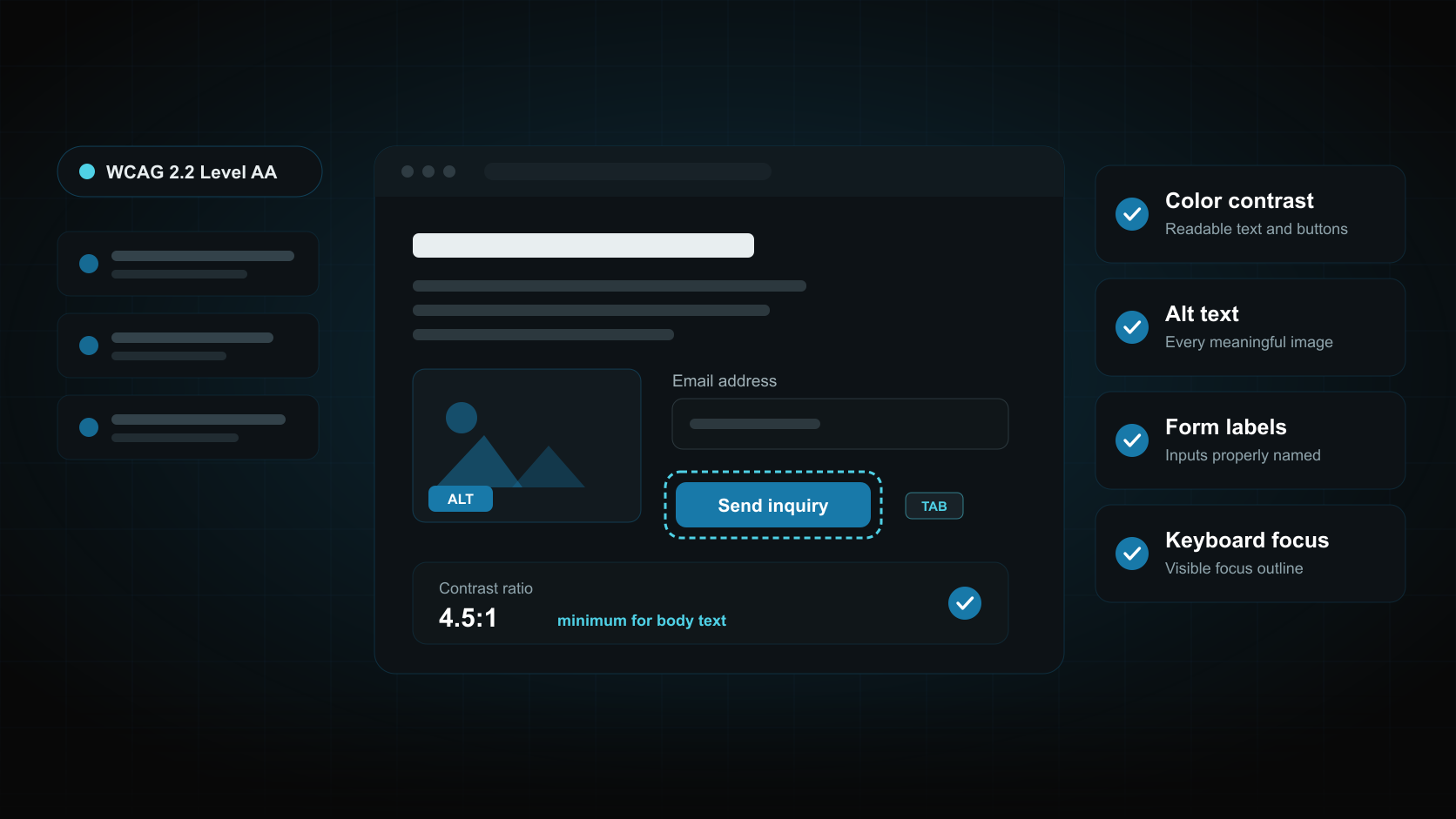
Website Accessibility Checklist for WCAG Compliance
Most business owners never see the parts of their website that quietly turn customers away. A visitor using a screen reader reaches a product photo with no description. Someone with low vision gives up on pale gray text. A customer fills out a quote form, hits an unlabeled field, and closes the tab. None of that shows up in a sales report. It shows up as traffic that never converts.
This website accessibility checklist covers the failures that cause most real problems, what WCAG actually asks for, and where legal requirements apply. The encouraging part is that a small number of fixes carry most of the weight, and almost all of them are things a competent development team can correct without rebuilding the site.
Website Accessibility Is Getting Worse, Not Better
WebAIM tests the home pages of the top one million websites every year. In its February 2026 analysis, 95.9% of those home pages had detected WCAG 2 failures, up from 94.8% the year before. The average page contained 56.1 detected errors, a 10.1% increase over the previous year.
The cause is not carelessness alone. Pages are getting heavier. WebAIM found the average home page now holds 1,437 elements, a 22.5% jump in a single year. More sliders, tabs, popups, filters, embedded widgets, and tracking scripts mean more opportunities for something to become unusable.
That trend matters for a business website because accessibility problems cluster on the pages that earn money: the homepage, service pages, product pages, and contact forms. Those are also the pages with the most buttons, images, and form fields.
What WCAG Actually Asks For
The Web Content Accessibility Guidelines are published by the W3C. WCAG 2.2 arrived on October 5, 2023 and is now recognized internationally as ISO/IEC 40500:2025, which signals where expectations are heading.
WCAG is organized around four principles, often shortened to POUR. Content should be perceivable, operable, understandable, and robust. In practice that means a visitor can register the content through sight, sound, or assistive technology, operate the interface with a keyboard or touch as well as a mouse, follow it without guessing, and load it reliably in the browser and assistive tools they already use.
Each guideline has success criteria at three conformance levels: A, AA, and AAA. Level AA is the target almost every business should work toward. Level A leaves too many gaps, and AAA includes requirements that are impractical for a typical commercial site. When a contract, policy, or regulation refers to accessibility conformance, it usually means Level AA.
The Six Failures Behind Almost Every Error
This is the part worth acting on first. WebAIM found that six failure types accounted for 96% of all errors it detected. Fix these categories and the bulk of the problem disappears.
Low contrast text
Low contrast text appeared on 83.9% of home pages, making it the single most common failure by a wide margin. It is also the most preventable, because it originates in design decisions rather than code.
The usual suspects are light gray body copy, white text over photos or video, pale placeholder text inside form fields, and brand colors used at small sizes where they lose legibility. Check your buttons carefully. A brand-colored button with white text often fails while looking perfectly acceptable to the designer who chose it.
Contrast is a graphic design decision as much as a development one, so it belongs in the style guide rather than in a post-launch bug list.
Missing alternative text for images
Missing alt text affected 53.1% of pages. Every meaningful image needs a short text description so screen reader users and search engines can understand it.
Write alt text that describes purpose, not filenames. A photo of a finished bathroom remodel should say what the project shows, not “IMG_4821”. Decorative images that add nothing to comprehension should carry empty alt attributes so assistive technology skips them instead of reading noise aloud. Product images, team photos, infographics, and icons that act as links all need real descriptions.
Missing form input labels
Missing form input labels showed up on 51% of pages. For a lead-generation website this is the most expensive failure on the list, because it sits directly on the contact form.
A placeholder is not a label. Placeholder text disappears the moment someone starts typing, and screen readers do not treat it as a reliable name for the field. Every input, select, checkbox, and text area needs a properly associated label. Error messages need to announce what went wrong and how to fix it, not just turn the border red.
Empty links and empty buttons
Empty links appeared on 46.3% of pages and empty buttons on 30.6%. These are usually icon-only controls: a magnifying glass for search, a hamburger menu, a chevron on a slider, or a social icon in the footer with no text inside it.
A screen reader reaching one of those announces “link” and nothing else. The fix is small. Give the control accessible text through visible copy or an appropriate label, and make sure it can be reached and activated with a keyboard.
Rounding out the list, missing document language was detected on 13.5% of pages. That one is a single attribute on the opening HTML tag, and it tells assistive technology which pronunciation rules to use.
Where Legal Requirements Actually Apply
Accessibility rules depend on who you are and who you sell to, and this is where a lot of confusion starts.
In the United States, the Department of Justice’s ADA Title II rule applies to state and local government entities and sets WCAG 2.1 Level AA as the standard. In April 2026 the DOJ issued an interim final rule extending the compliance dates: April 26, 2027 for public entities with populations of 50,000 or more, and April 26, 2028 for smaller entities and special district governments. The substantive requirements did not change, only the timeline.
Private businesses fall under Title III instead. No federal regulation currently specifies a technical standard for commercial websites, but the DOJ’s position is that the ADA applies to the websites of businesses open to the public, and WCAG Level AA is the benchmark used in practice, in settlements, and in most procurement requirements.
If you sell to customers in the European Union, the European Accessibility Act has applied since June 28, 2025. It covers consumer-facing services including e-commerce, and it reaches businesses outside the EU that serve EU consumers. Conformance is normally demonstrated against EN 301 549, the European standard built on WCAG 2.1 Level AA. Worth knowing before you panic: service providers that qualify as microenterprises, meaning fewer than ten employees, are exempt from the service obligations.
Accessibility Overlaps With SEO and Conversions
Accessible markup and search-friendly markup ask for many of the same things. Descriptive alt text, meaningful link text, a sensible heading order, a declared page language, and clean semantic HTML all help search engines interpret a page. Our SEO services and accessibility work often correct the same underlying issues.
There is a performance connection too. Reserving space for images, keeping scripts lean, and avoiding layout shifts improve both usability and page experience metrics, which is why this pairs naturally with our Core Web Vitals checklist. The same restraint that keeps a page fast tends to keep it operable.
The conversion argument is the simplest one. A form that cannot be completed with a keyboard, a phone number no screen reader announces, and a button nobody can read are all lost inquiries. Fixing them widens the audience able to buy from you.
Run This Checklist on Five Pages This Month
Start with the pages closest to revenue. For most businesses that means the homepage, top two service pages, and the contact page.
- Put the page through an automated checker such as WAVE or Lighthouse and note the failure types.
- Unplug the mouse and reach every link, button, and form field with the Tab key alone.
- Confirm a visible focus outline follows you as you tab.
- Check body text, buttons, and text over images against contrast requirements.
- Read the alt text on every meaningful image and rewrite anything vague.
- Submit the contact form with fields deliberately left blank and read the error messages.
- Test the mobile menu, sliders, and tabs with a keyboard and a screen reader.
- Verify headings run in a logical order with one H1 per page.
Automated tools catch a useful share of problems but not all of them. They cannot judge whether alt text is accurate or whether a tab order makes sense. Pair the scan with a manual pass.
Build Accessibility Into Your Next Website
Accessibility is far cheaper to design in than to retrofit. Contrast, labels, focus states, and semantic structure cost nothing extra during a build and get expensive once a site is live and full of content.
If your website has thin alt text, unlabeled forms, low contrast buttons, or navigation that fails on a keyboard, Vital Web Solution can audit the pages that matter most and fix the templates behind them. Our website development and digital marketing teams treat accessibility, speed, and lead flow as one job rather than three. Contact Vital Web Solution to book a website accessibility review.
Sources
- W3C Web Accessibility Initiative: WCAG 2 Overview
- WebAIM: The WebAIM Million 2026 report
- ADA.gov: State and local governments and the Title II web rule
- Federal Register: Extension of Compliance Dates for Accessibility of Web Information and Services of State and Local Government Entities
- European Commission: European Accessibility Act